A video for every listing.
Before the next viewing.
Walk the house with your phone. RawCut cuts the listing video.
Sellers expect their home on social. Buyers stop for video, not for another photo carousel. With RawCut you film the property room by room, write one line per room, and get a vertical listing video for Instagram Reels, TikTok and Shorts. No videographer, no editing evening.
 Free to try · iOS 15+
Your top listings get a videographer. The other twelve get nothing.
RawCut reads every clip you film, so "the kitchen with the island" lands on the seconds where the kitchen is in frame, not on the whole walkthrough. The rooms come out in the order you wrote them, ready for "just listed" today, not next week.
Every listing deserves a video. Not every listing gets one.
Listings blur together
Ten photos rarely stop the scroll. A short video of the house does.
The numbers don't add up
Worth it for the top of the market. Not for the dozen other homes you're selling this month.
Then it never happens
The walkthrough stays on your phone until the house is sold, and the seller notices.
From walkthrough to listing video in three steps.
Done in the car, between two viewings.
Film room by room
Portrait, slowly, five to fifteen seconds per room. Or one calm walkthrough.
One line per room
Write the rooms in the order you want to show them. Be concrete about what is visible.
Post it
A vertical video of 15, 30 or 60 seconds. Trim a shot, add text, export and post.
Your line in. Your moments out.

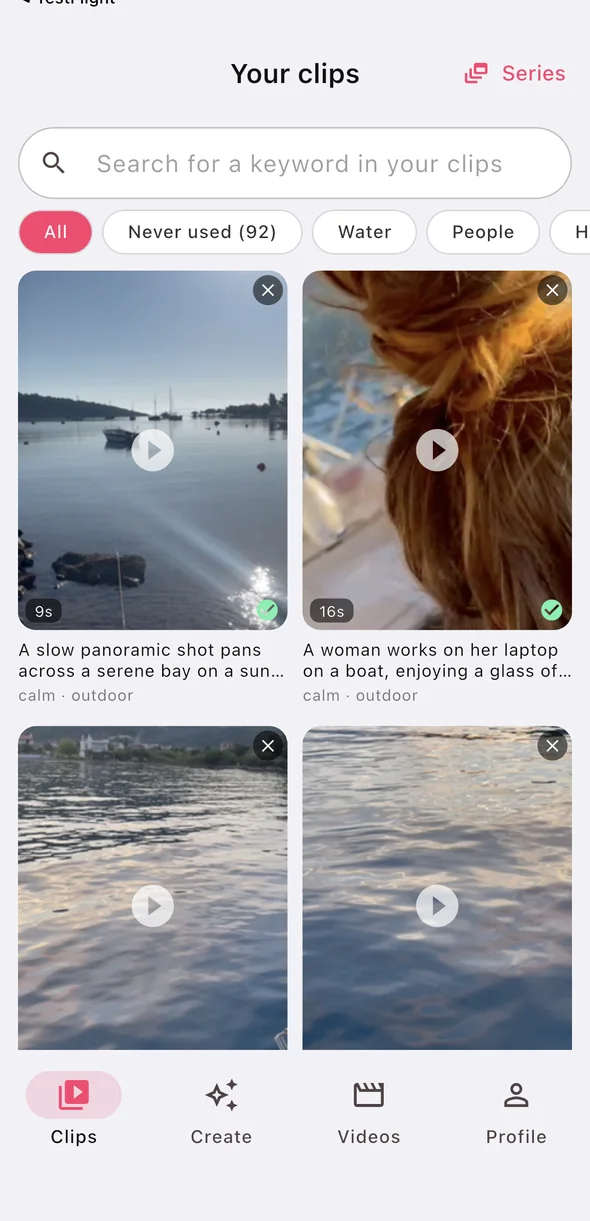
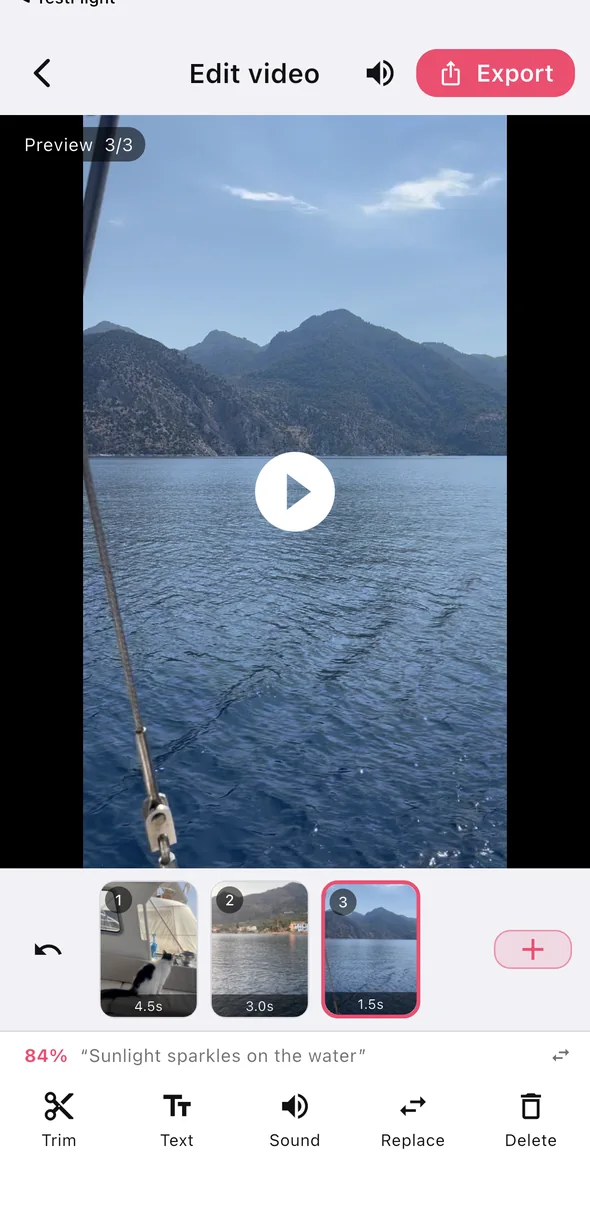
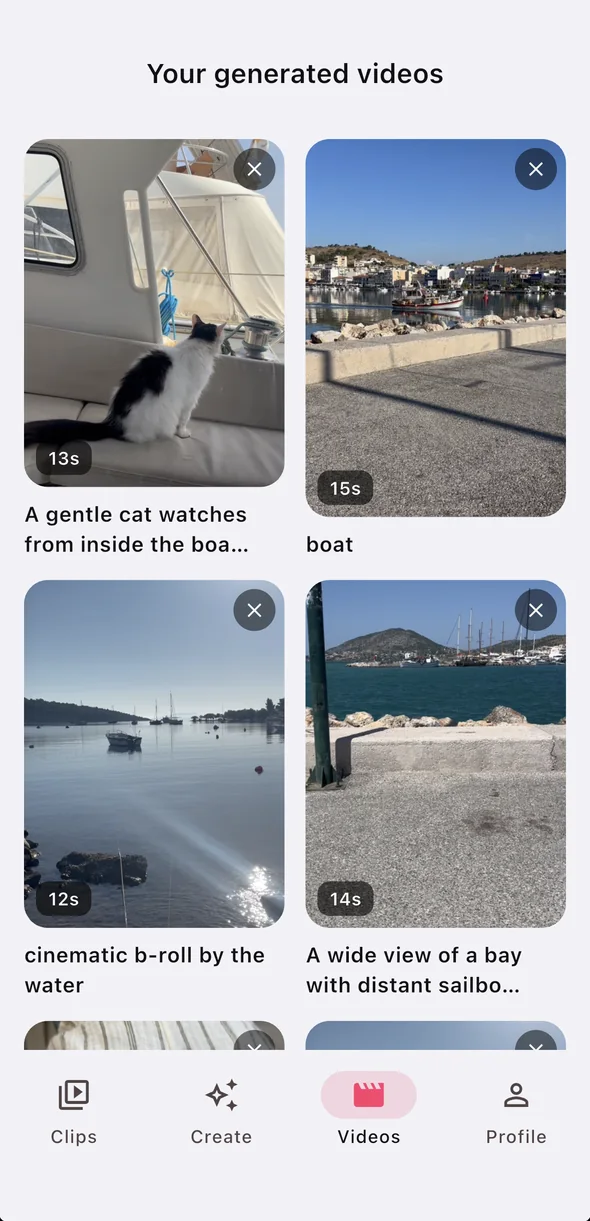
- Only your own footage
- No stock, nothing generated
- If nothing fits, it tells you
One walkthrough. A post for every stage of the sale.
The same footage answers several of these. Write a new line, get a new video.
New on the market
The front door, the best room, the garden. The first look, the same day.
The full tour
One line per room, in the order a viewer walks through.
Open house
The rooms that sell the house, and a reason to come by.
The location
The street, the light, the park around the corner.
The details
The view from the window, the fireplace, the floor in the sun.
Just sold
A short thank-you with the best shots. Your best pitch to the next seller.
Six habits that make every listing video look intentional.
Film vertically
The video is 9:16. Portrait footage fills the frame without cropping the room away.
One clip per room
Five to fifteen seconds each is the easiest to cut. Free clips can be up to two minutes; Pro takes longer ones.
Move slowly, then stop
Walk in, pause, turn slowly. Fast pans are skipped for steadier moments.
Get the details
The view, the light on the floor, the fireplace. Short detail shots make it feel like a home.
Good light
Curtains open, lights on. RawCut cuts what you filmed; it does not brighten a dark room.
One project per property
Put each house in its own Project, so "the kitchen" never comes from yesterday's viewing.
Where RawCut fits next to professional media.
Great for
- Listings that would otherwise get no video
- Just listed, open house and sold posts
- Quick social posts between viewings
- Your own phone footage, cut in minutes
Not a replacement for
- Professional photography
- Drone shots
- A produced film for a high-end listing
- Checking what may be shown: that stays with you
Your first videos are on us.
Make them, export them, post them. Then decide.
Free
- Add clips and make finished videos
- Vertical 9:16, 15, 30 or 60 seconds
- Trim, swap shots, captions
- Exports carry a small RawCut mark
Pro
- A much larger monthly allowance
- Longer clips
- No watermark
- Cancel any time in Settings
The current price is shown in the App Store and in the app before you buy. More about pricing.
Before you download.
How do I make a real estate listing video on my iPhone?
Film the property room by room in portrait. In RawCut, write one line per room in the order you want to show them; the app finds the moment where each room is in the frame and cuts a vertical video of 15, 30 or 60 seconds.
How long can a walkthrough clip be?
On the free plan a clip can be up to two minutes long; Pro takes longer ones. Separate clips of five to fifteen seconds per room are the easiest to cut.
How do I keep footage from different properties apart?
Put each property's clips in its own Project in RawCut and make the video from that project, so a line like “the kitchen” only draws from that house.
Does RawCut replace a professional property film?
No. It cuts quick vertical videos from your own phone footage. For a high-end listing, professional photography, drone shots or a produced film are still the better choice.
Does RawCut add music or post the video for me?
No. RawCut cuts from your own footage only; it does not supply music and does not post for you. You export the video and post it on Instagram, TikTok or YouTube yourself.
More: Script to video with your own footage · Find a moment in hours of footage · Short videos for small businesses
Your next listing video is already on your phone.
Write the rooms down. Post it today. Your first videos are free.